
SHAREit
SHAREit is a free Windows app from the SHAREit Team for moving photos, videos and documents between a PC and a phone. The current version is 5.1.0.7.
22.7 MB

Connectify Hotspot is a Windows program that turns a PC or laptop into a Wi-Fi hotspot, sharing its internet connection with phones and other devices.
Average 0.0 · ratings: 0
Thank you! Your rating is saved; you can change it. Could not save the rating. Please try again later. Too many ratings from your network today. Please try again tomorrow. The average appears after 5 ratings.
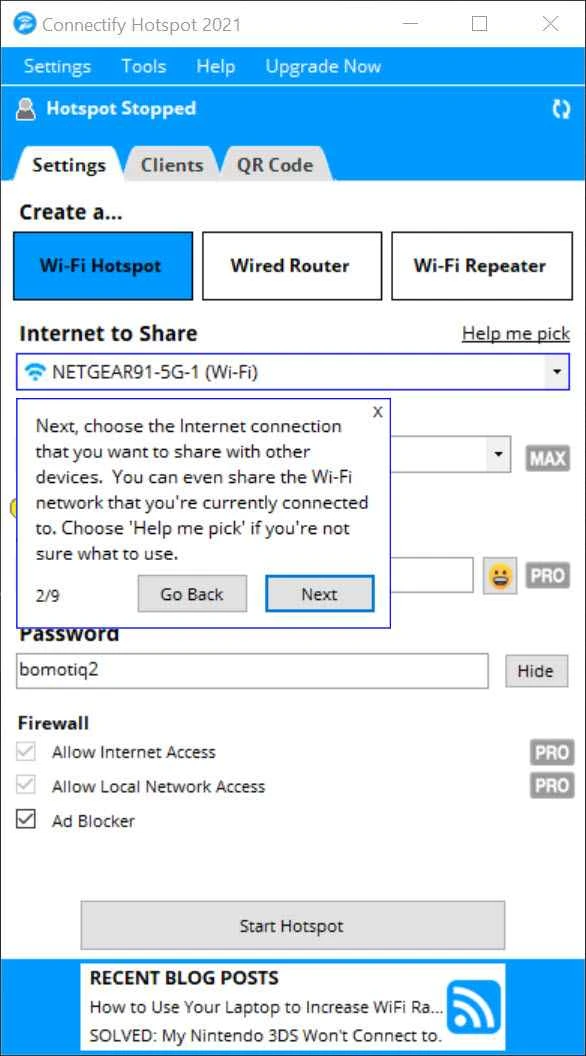
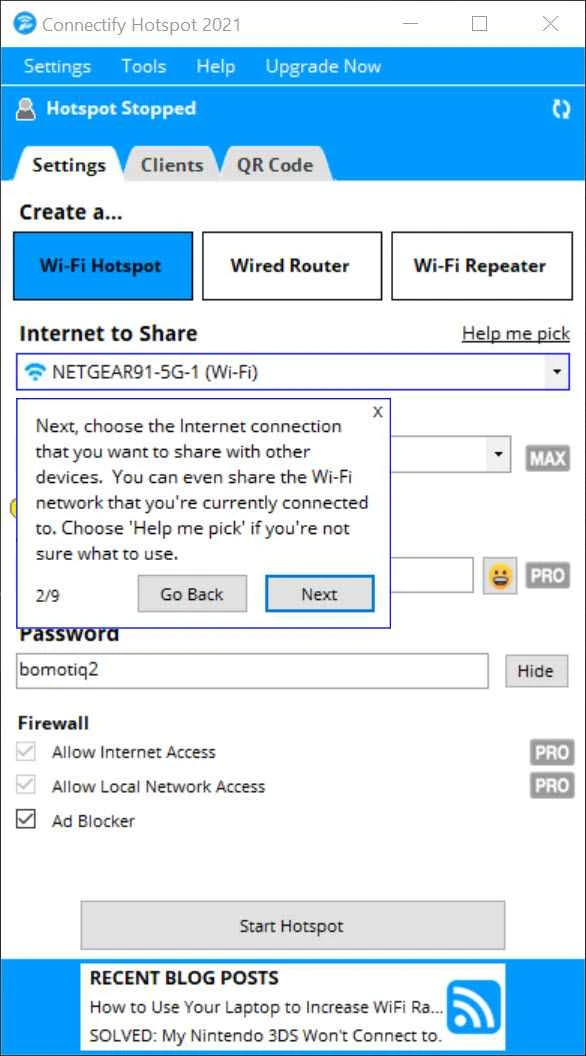
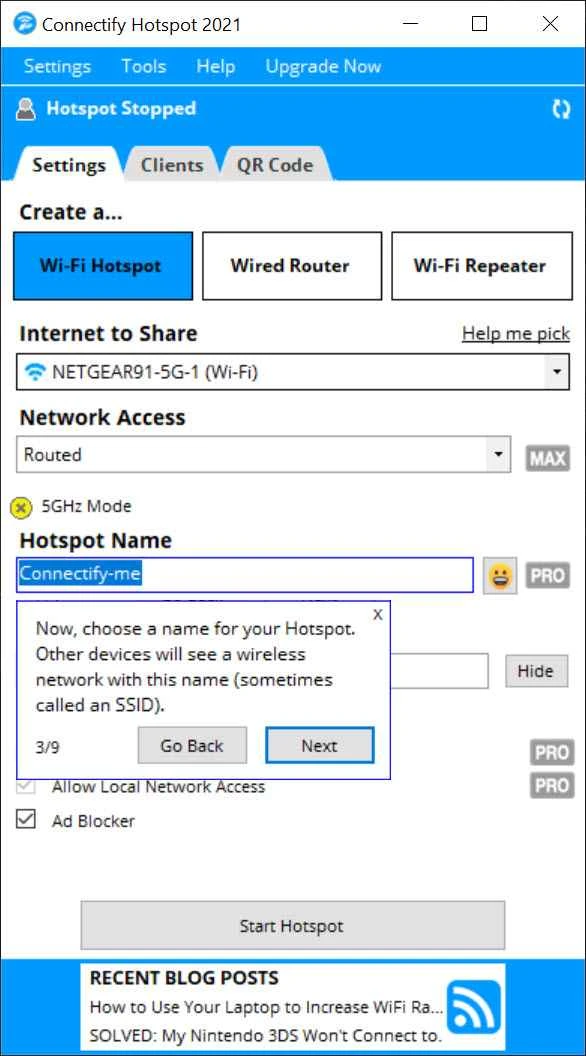
Connectify Hotspot 23.0.2.40177 is a Windows program from Connectify that turns a laptop or PC into a Wi-Fi hotspot. You download Connectify Hotspot when you have internet on your computer, for example through a cable, a hotel login page or a USB modem, and want to share it with your phone, tablet or other devices.
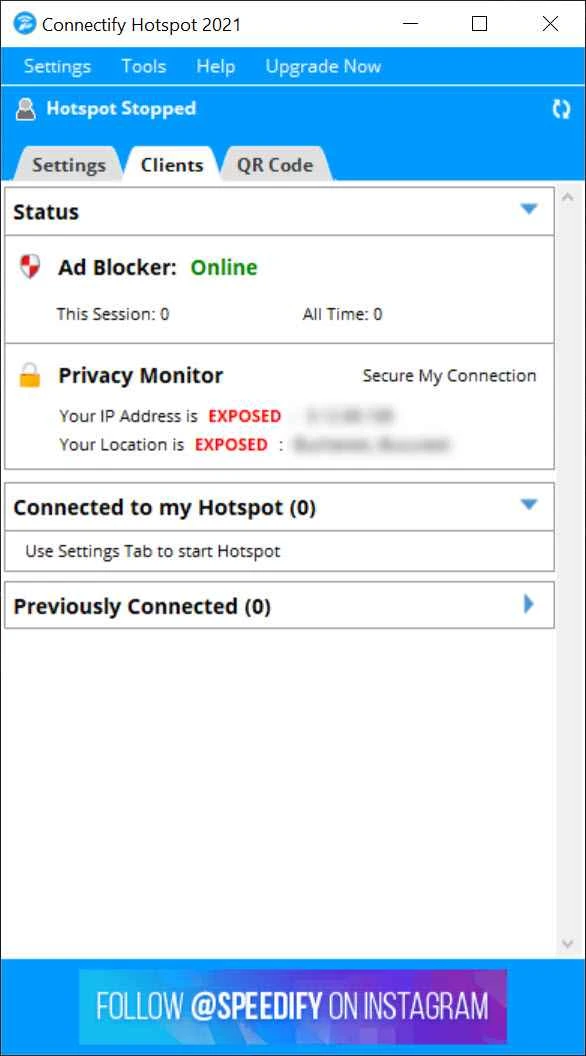
Windows includes a basic Mobile hotspot feature, but it is limited in how it handles some connections and gives little control. Connectify creates a virtual router on your PC's Wi-Fi adapter and shares any available internet source through it: Ethernet, another Wi-Fi network, a USB modem or even a VPN connection. You name the hotspot, set a password, and devices connect as they would to a normal router. The dashboard lists connected clients with their data usage, and you can rename or block them. Paid editions add more: repeater and bridge modes for extending a Wi-Fi network or connecting game consoles and smart TVs, custom hotspot names with emoji, an ad blocker for connected devices, and wired router mode that shares Wi-Fi over an Ethernet cable. The company documents changes in its release notes.
Yes. The free Lite edition shares basic connections through Wi-Fi and is enough to get a phone online. Pro and MAX editions unlock sharing of mobile connections, repeater and bridge modes and other features. Details and prices are on connectify.me.
The installer is about 10.66 MB according to catalogue data.
A Windows PC with a Wi-Fi adapter that supports hosting a network, plus any working internet connection. Laptops are ideal; desktops may need a USB Wi-Fi adapter.
Always protect the hotspot with a strong password. Check the rules of hotels, schools or mobile plans before sharing a connection, because some forbid tethering. Download only from connectify.me, since fake installers of network tools can carry malware.
Place the laptop in an open spot, not in a bag or under a pile of papers, to improve the signal. If devices connect but have no internet, check that the correct source is selected and that your VPN or firewall allows sharing. Stop the hotspot when you are done to save battery.
Other hotspot tools on our site include OSToto Hotspot and Free WiFi Hotspot. For remote access to devices, Tailscale creates a private network over the internet.
SHAREit is a free Windows app from the SHAREit Team for moving photos, videos and documents between a PC and a phone. The current version is 5.1.0.7.

Zapya for Windows is a free file transfer app from DewMobile for moving files between a PC and phones over a local wireless connection.

Easy Connection to Screen is Samsung's Windows app for showing a PC's screen on a compatible Samsung TV over a wireless connection.

Internet Download Manager (IDM) is a shareware download manager for Windows from Tonec that accelerates, resumes and schedules downloads.

uTorrent (μTorrent) is a small BitTorrent client for Windows from Rainberry (BitTorrent Inc) for downloading and sharing files over torrents.

AnyDesk is a remote desktop application for connecting to and controlling another computer over the internet, from a small Windows program.

ShareMe is Xiaomi's free app for sending files between devices without a cable; on Windows the Android app runs only inside an emulator.

Xender is a free file sharing app from the Xender File Sharing Team for sending files between phones and computers over a local connection.